What the kit consists of.
This kit includes a stand, a variety of presses, and sublimation blanks. The Pro Kit includes a selection of sublimation blanks for you to get started. A sublimation printer with a set of sublimation inks is also included.
The kit consist of the following items:
- 1 x Stand
- 1 x 38x38cm Flat press
- 1 x Cap press
- 1 x Single mug press
- 1 x Cone shape mould
- 1 x Epson printer
- 4 x 200ml Sublimation ink
- 1 x Affinity software
- 1 x 38x38cm Teflon sheet
- 1 x 30m Sublimation tape
- 100 x Pro sublimation paper
- 12 x Standard mugs
- 4 x Cone shape mugs
- 4 x Neon Mugs
- 4 x Glass mugs
- 12 x Two tone mug
- 4 x Magic mugs
- 1 x Sippy cup
- 2 x Mouse pads
- 2 x Sublimation bags
- 10 x MDF Keyrings
- 2 x Metal keyrings
- 4 x MDF Coaster
- 1 x Glass clock
- 1 x Glass photo displays
- 4 x Caps
- 1 x Face cloths
- 1 x Towels
- 5 x 5x5cm Ceramic tiles
- 1 x Earrings
- 1 x Speed bottle opener
- 1 x POP Sockets
- 2 x A5 Cardboard puzzles
- 20 x Mug boxes
- 1 x Compacts
- 10 x Name badges
- 4 x Bookmarks
- 3 x Pens
How to get started.
The process is fast and easy to complete by following the provided steps. Some of the steps can be skipped if already completed. This is merely a guideline that you can follow to make the process of building, installing the software and profile (this step is based on the programs list below) fast and efficient.
- Assemble the stand
- Setup your Epson Printer
- Install design software (Affinity)
- Setup ICC profile (Affinity)


How to assemble the stand
You can refer to the diagram to ensure that all the parts are secured in their correct positions.
How to setup your EPSON printer
The printer and sublimation ink will be provided in the box. Charge your sublimation printer with the provided Coool sublimation ink. Please note* once the printer is converted to a sublimation printer, the effect is irreversible.

Install Design Software
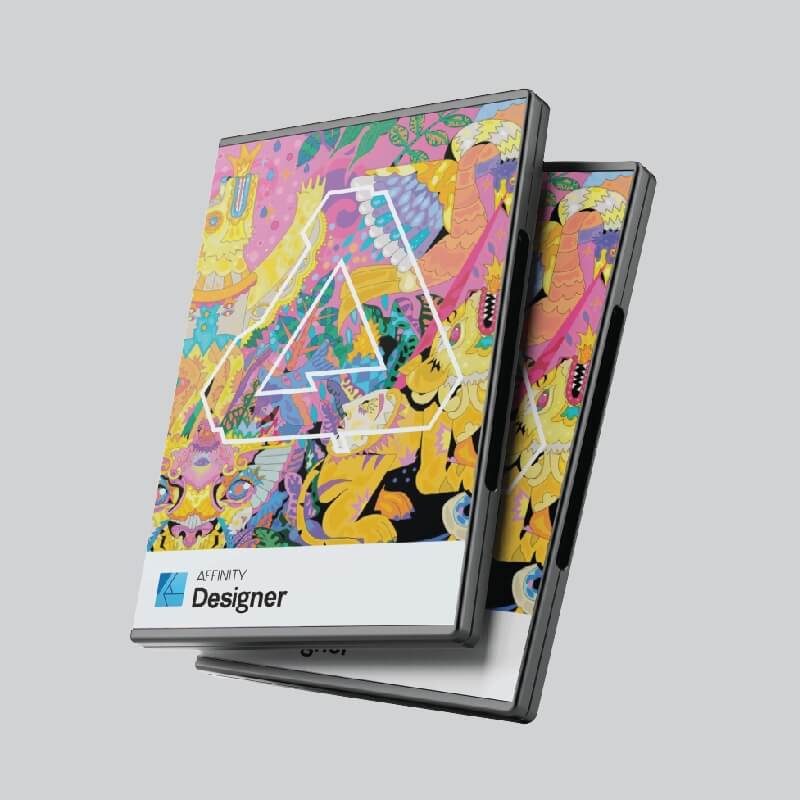
To install Affinity Designer, visit store.serif.com/en-us/redeem/. Enter your provided promotional key and select “Redeem Voucher”. Create an Affinity account or log in to your existing account. Download your product. Your product key will be stored in your account. Please ensure that the correct operating system is selected.
Add ICC Profile
This ICC profile is specially made for Coool Sublimation Ink. The ICC profile is used to ensure that the correct colors are printed. Watch the video to help you to install the ICC profile for Affinity Designer.